
Video won't play. File too large. Upload rejected. Wrong format. Wrong codec. Whatever the problem — select the service below that matches your situation and get directly to the right solution, fast.
What 4KVT Can Do For Your Video File
Every job is diagnosed, corrected, and returned with a full technical report.

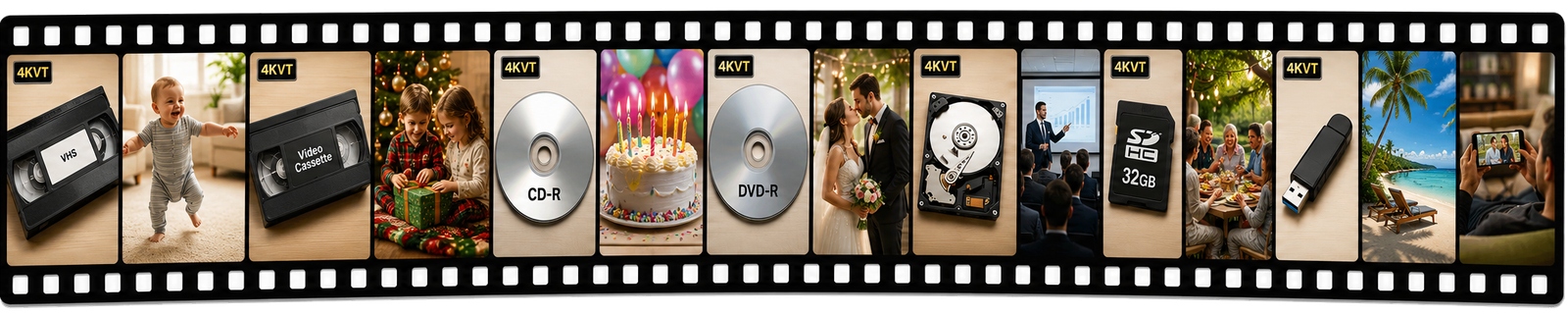
Your Memories and Time Are Valuable
We Help You Save And Enjoy Both Better
Pick the situation below — we built a specific solution for each one.
Old Analog Video to Digital Media Conversions — Modernized
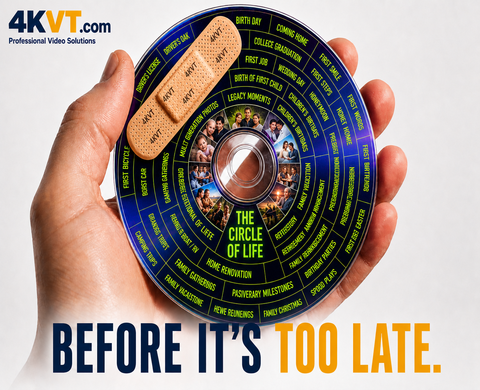
Digital Media Degradation — Called Bit Rot, and Data Rot.
It Is Silently Destroying Your Family Movies, Photos & Business Records.
4KVT Can Fix That.
Sadly, millions of older analog conversions are now at or past the expiration date of the format or the media they were saved on — deteriorating with no warning. The scale of this problem is vast and largely invisible. If you have older converted video sitting on a shelf, a drawer, an old hard drive, or a disc — stop and think. You may already be affected.
- It's Time Now To...
- Old digital video files on CD or DVD — modernized
- Files on aging USB drives or hard drives — rescued
- Obsolete formats that won't play — fixed
- VOB, DAT, AVI, WMV, legacy formats — converted
- Preserve what was preserved — before it is lost again
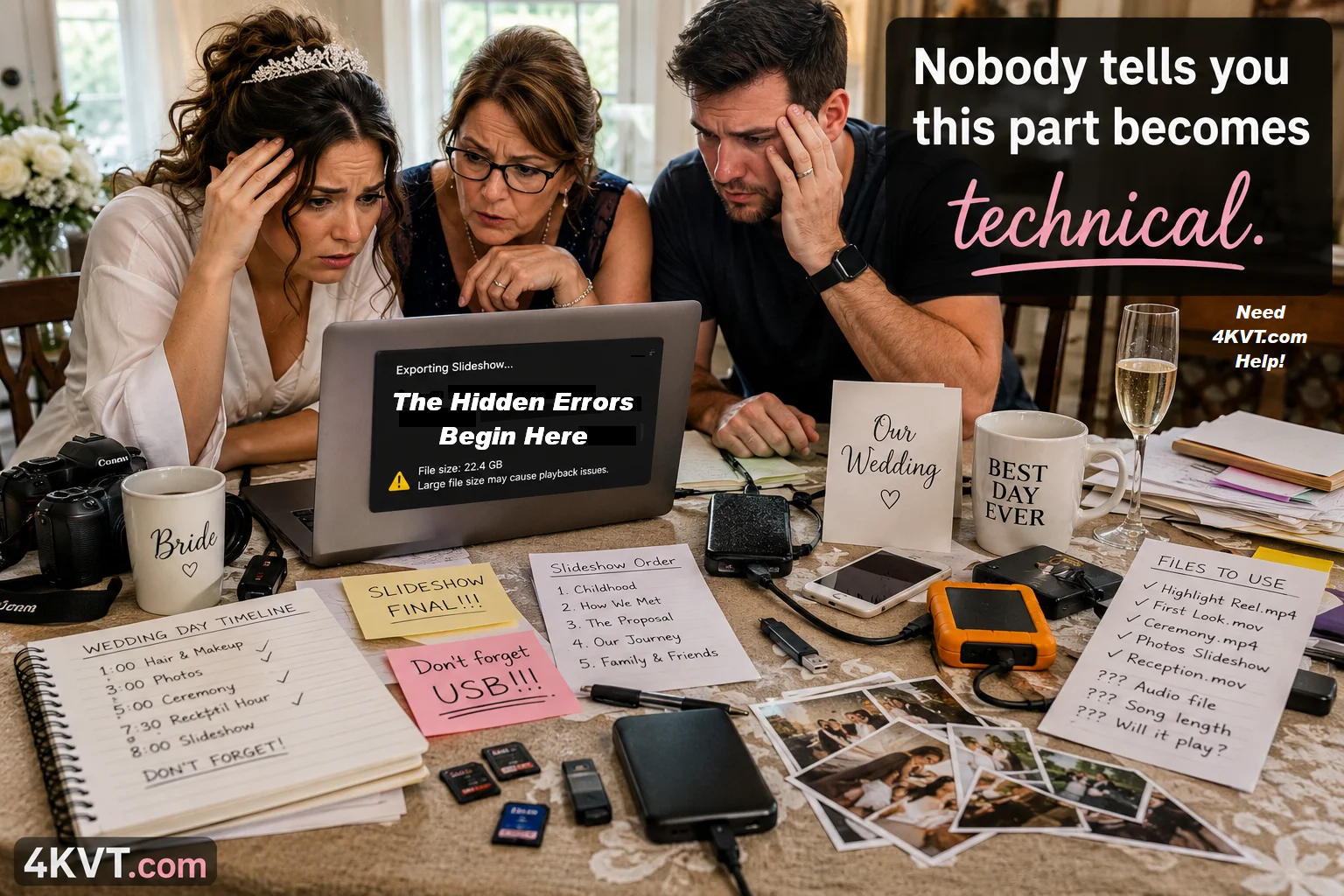
Wedding Reception Slideshow Solutions
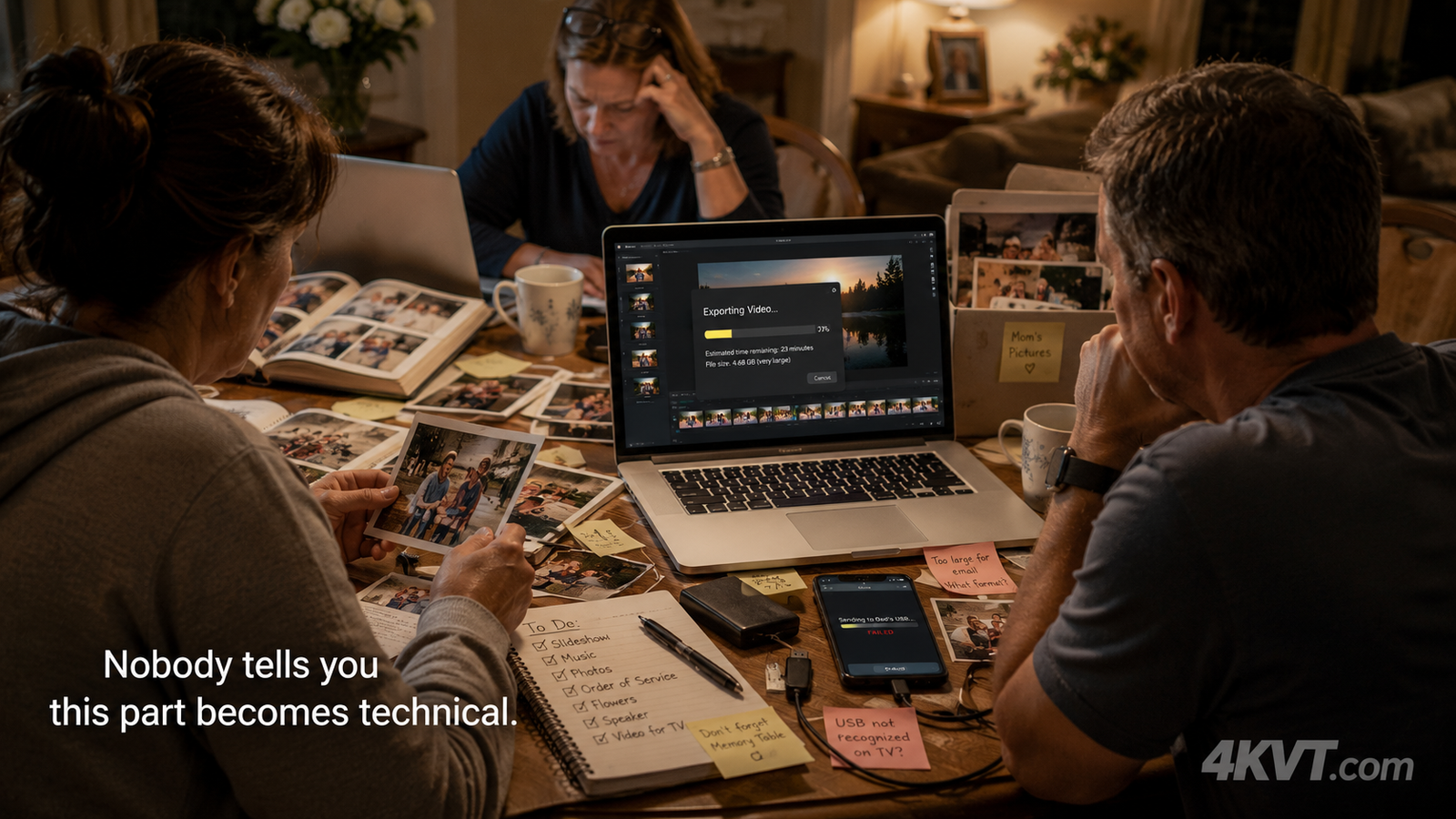
Planning a wedding reception? The tribute slideshow is one of the most anticipated moments of the evening — and one of the most technically frustrating to prepare. Nobody tells you this part becomes technical. We fix the file before the moment that cannot be repeated.
- Video file too large for venue system — fixed
- USB drive won't play on venue TV — fixed
- Slideshow won't open at the reception — fixed
- Audio out of sync with the presentation — fixed
- Format not accepted by projector — fixed
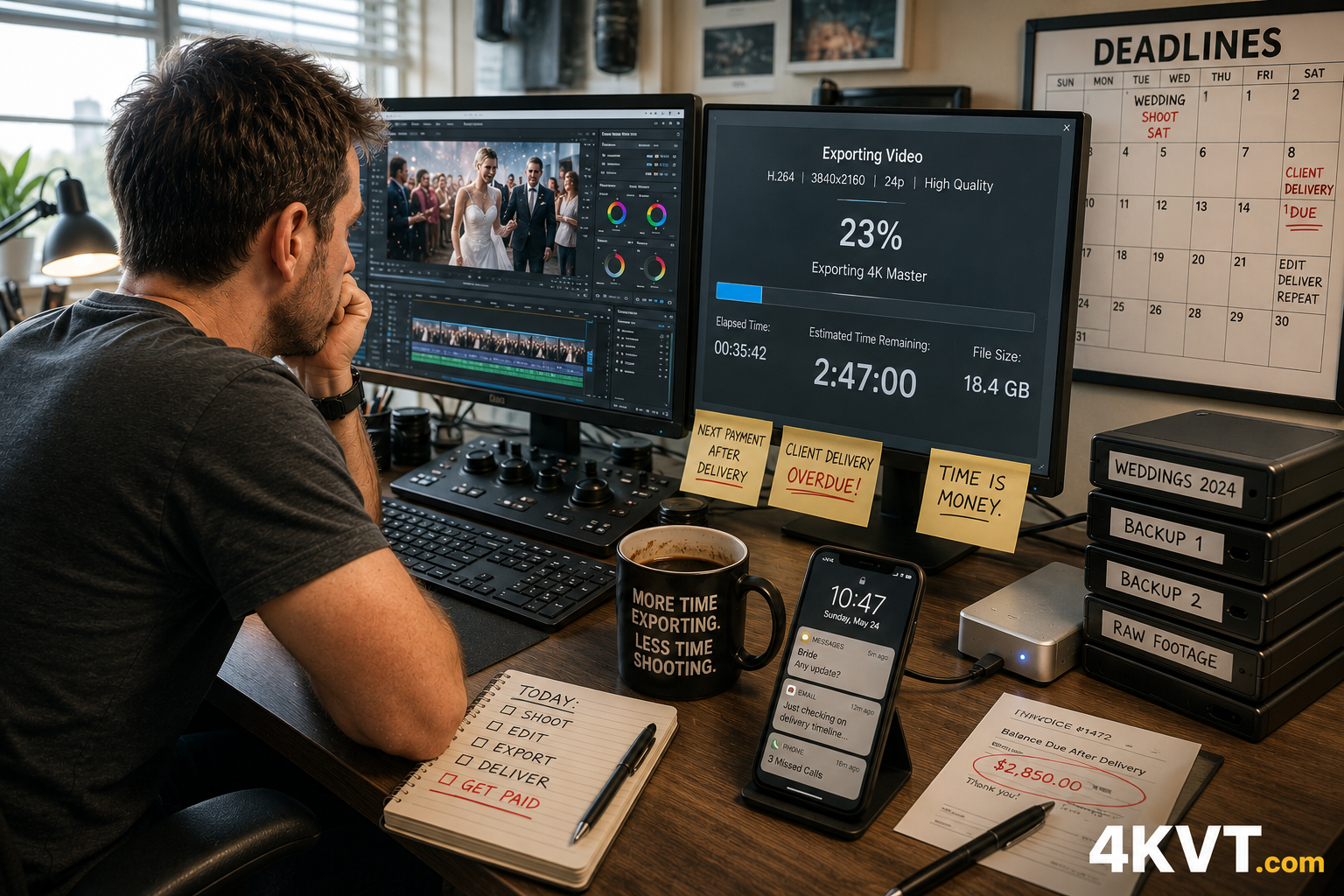
Wedding Photographer Delivery Support
Planning. Filming. Editing. Delivering. The real bottleneck is the delivery workflow afterward. Oversized exports, long render times, compatibility problems. We support your delivery pipeline so you can focus on the work that creates value.
- ProRes export too large to deliver to client — fixed
- H.265 won't play on client's TV or USB — fixed
- Export takes 3 hours — avoid re-export entirely
- File too large for Dropbox or WeTransfer — fixed
- Client can't open the delivered file — fixed
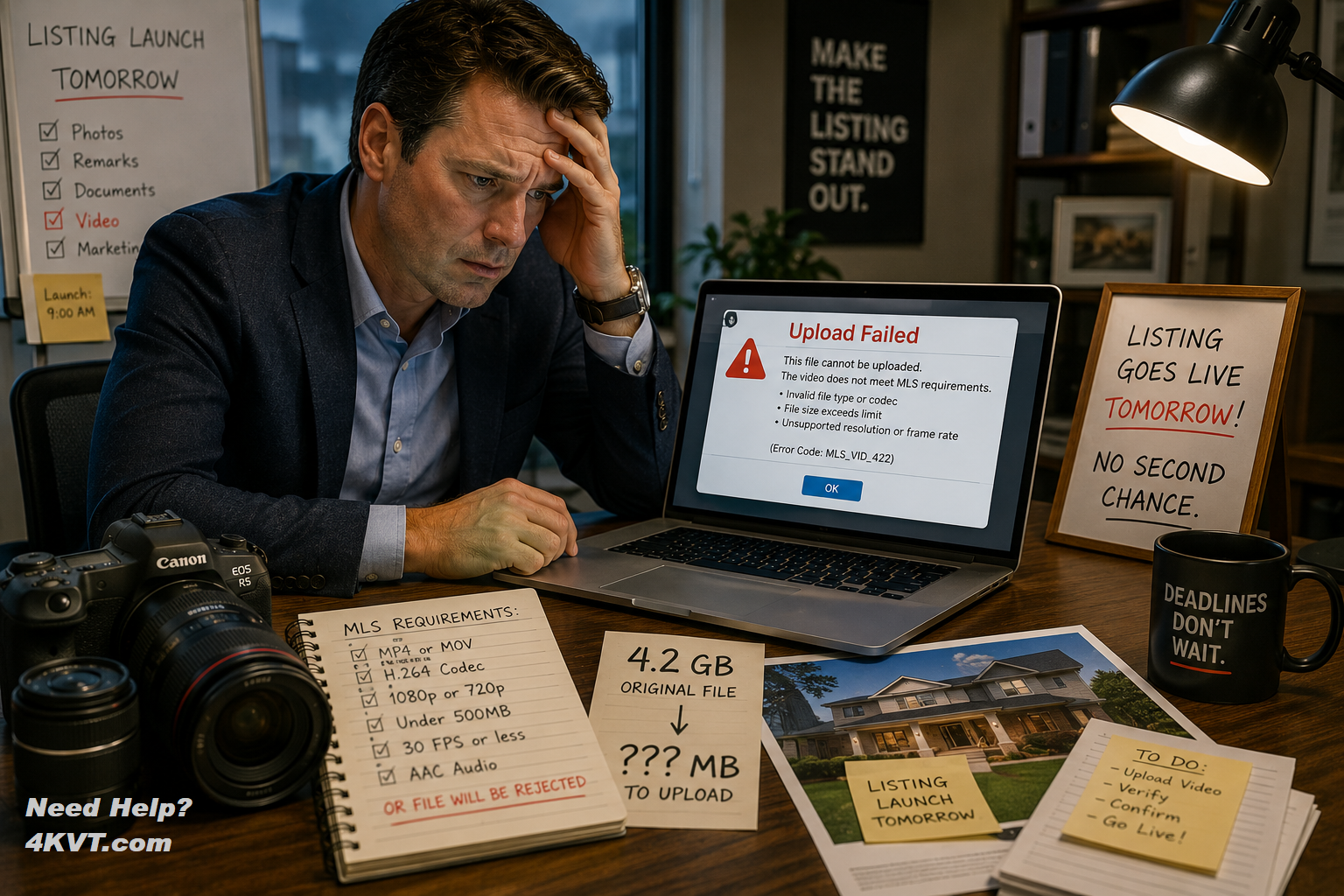
Listing Video Won't Upload to MLS?
Your listing goes live tomorrow. The video won't upload to MLS or Zillow. Professional cameras shoot in formats built for editing — not for delivery. We convert your property video to H.264 MP4 — MLS compliant, web ready, client ready — fast enough to meet the deadline.
- MLS portal video upload rejected — fixed
- Zillow and Realtor.com video upload fix
- Drone footage format not accepted — fixed
- H.265 codec rejected by MLS — converted to H.264
- File too large for real estate portal — fixed
Memorial or Tribute Video Solutions
Planning a memorial service? A tribute video is one of the most meaningful things a family can prepare — and one of the most unexpectedly complicated. We take your finished file and make it smaller, more compatible, and ready to play properly at the service on any display.
- Tribute video won't play at the service — fixed
- USB drive not recognized by venue projector — fixed
- File too large to share with family — fixed
- Video format not accepted by church AV system — fixed
- Multiple family files combined into one compatible video
Funeral Home and Business Support
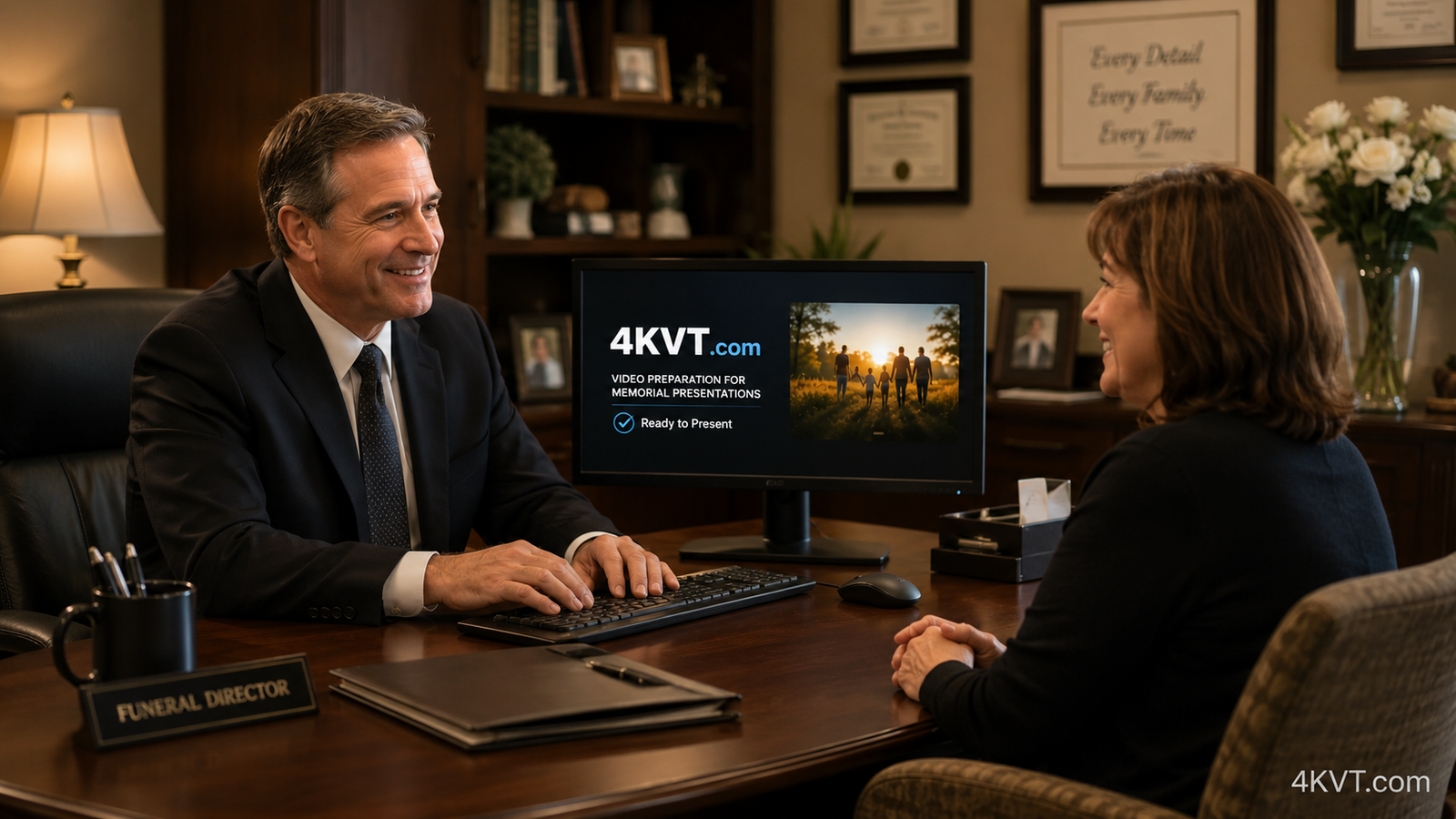
When families bring tribute videos that won't play on your display system, 4KVT prepares them fast. Added service income. Time overhead reduction. Presentation failure protection. No technical staff skills required. We are your video tribute partner.
- Any family video format — made compatible fast
- Presentation failure protection before every service
- No technical staff training required
- Added service income potential
- Fast turnaround for service timing
Playback, Compatibility & Transcoding Solutions
Video conversion, codec correction, format optimization, quality improvement, file size reduction, and delivery preparation for any platform, device, or destination. Use the full 4KVT planner to describe exactly what you need.
- Any video format — any platform — any destination
- Video quality improvement and bitrate optimization
- Black bar removal, rotation fix, deinterlacing
- Audio track correction and sync fix
- Original file always preserved
Penny Wise, Dollar Foolish
Understanding what a failed video presentation actually costs — and why professional video preparation is worth every penny when the moment cannot be repeated and the deadline cannot slip.
- What a failed MLS video actually costs in lost leads
- What a failed tribute video costs a family
- Why re-exporting wastes hours that could earn revenue
- Starting from $3.98 — less than a coffee

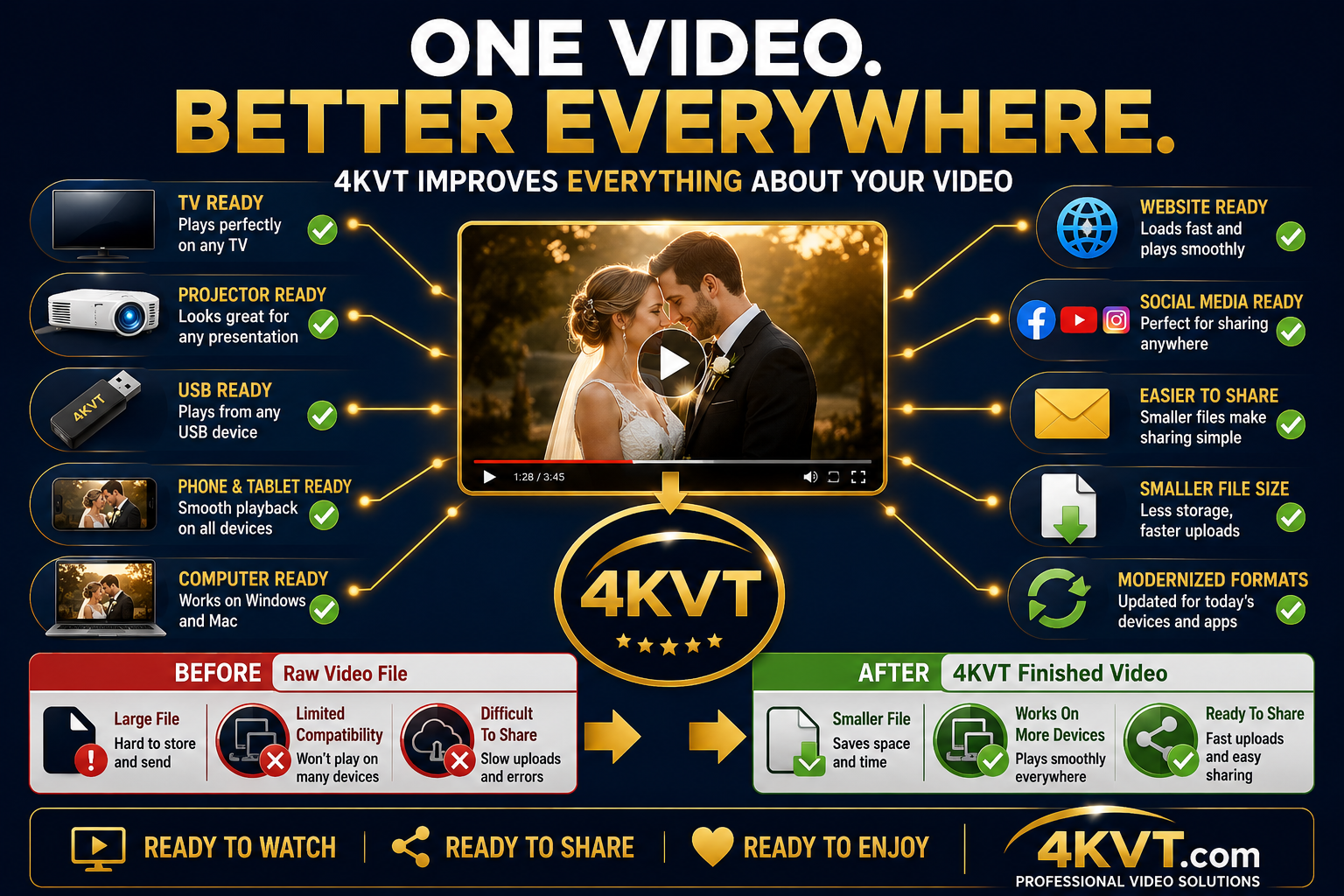
- Video file size reduction
- Oversized file compression
- File shrinking for upload & sharing
- File shrinking for USB drive delivery
- File shrinking for email attachment
- File shrinking for cloud storage
- Bandwidth reduction over downloads
- Bloated file optimization
- Up to 60–95% smaller — quality preserved
- H.264 video conversion
- H.265 / HEVC video conversion
- HEVC to H.264 for web delivery
- ProRes to H.264 delivery conversion
- MOV to MP4 conversion
- Non-standard codec correction
- Web-safe codec preparation
- Browser-compatible video encoding
- MLS-compliant video encoding
- Cross-platform compatibility fix
- Video playback fix
- TV playback compatibility fix
- USB drive playback fix
- Projector compatibility fix
- Venue display system fix
- Church AV system compatibility
- MLS portal upload fix
- Zillow video upload fix
- Realtor.com video upload fix
- Video upload rejection fix
- Website embed compatibility fix
- Video quality improvement
- Low bitrate video enhancement
- High bitrate video optimization
- Bitrate optimization for web delivery
- Bitrate normalization
- Broadcast quality video encoding
- Visually lossless re-encoding
- File size reduced — quality maintained
- Master quality archival encoding
- 8-bit to 10-bit color conversion
- 10-bit professional color encoding
- Color banding prevention
- Gradient smoothing
- Pixel format optimization
- Silent audio track addition
- Missing audio track correction
- Low bitrate audio enhancement
- Audio/video sync correction
- AAC audio optimization
- Video orientation fix
- Sideways or upside-down video fix
- Rotation metadata correction
- Interlaced video deinterlacing
- Variable frame rate correction
- Constant frame rate conversion
- Black bar removal
- Auto-crop for widescreen delivery
- Web streaming optimization
- A/V sync issue prevention
- Video container format fix
