Planning a Memorial Service? We Help Take Care of the Tribute Video Part.
If you are planning a memorial or celebration of life service, a tribute video is one of the most meaningful things a family can prepare — and one of the most unexpectedly complicated. 4KVT takes care of the technical side so you can focus entirely on the memories.
4KVT doesn't make the tribute video... we simply make the video better.
We Save You Time, Fix Errors, Make Your Video Presentation Ready.
- We Greatly Reduce Last-Minute Stress, Time Deadlines, End Video Technical Complexities
- Optimize Your Tribute Video to the Professional Studio Quality Standards it Deserves
- Ensure Tribute Video Playability on TVs, Projectors, Phones, Computers, USB, Websites
- Improve Video Quality While Reducing File Size for Uploading and Sharing
- Give You Fast, Simple 24/7 Service with Rapid Turnaround
- Relax — No Technical Video Knowledge Required — We Handle Everything For You
We help give you peace of mind all you have prepared will be presented well, appreciated, immortalized forever.
Most families do not realize that the technical problems with a tribute video are not discovered at the service. They are created during assembly — while rushing through exports, combining formats, sending files between phones and computers, and using whatever free tools are available. By the time it reaches the venue TV, the damage is already done.
4KVT corrects that damage. We take your finished file and reformat it into a smaller, more compatible, more reliable version — ready for any TV, projector, USB drive, or display at the service.
No technical knowledge required · Straightforward low cost pricing shown before checkout · Secure upload
Let me explain what we do.
Click to hear how 4KVT can help.
Results vary by source file. Most tribute videos become significantly smaller with full compatibility preserved.
One of the Many Things Families Suddenly Have to Handle
When someone passes away, families are immediately managing an overwhelming list of responsibilities — notifying family, arranging the service, writing the obituary, coordinating flowers, handling logistics.
Somewhere on that list is the tribute video or memorial slideshow. It seems like it should be straightforward. It rarely is.
4KVT exists to remove that one technical burden from the list — completely — so the family can focus on everything else that matters more.
The Technical Problems Are Created During Assembly — Not After
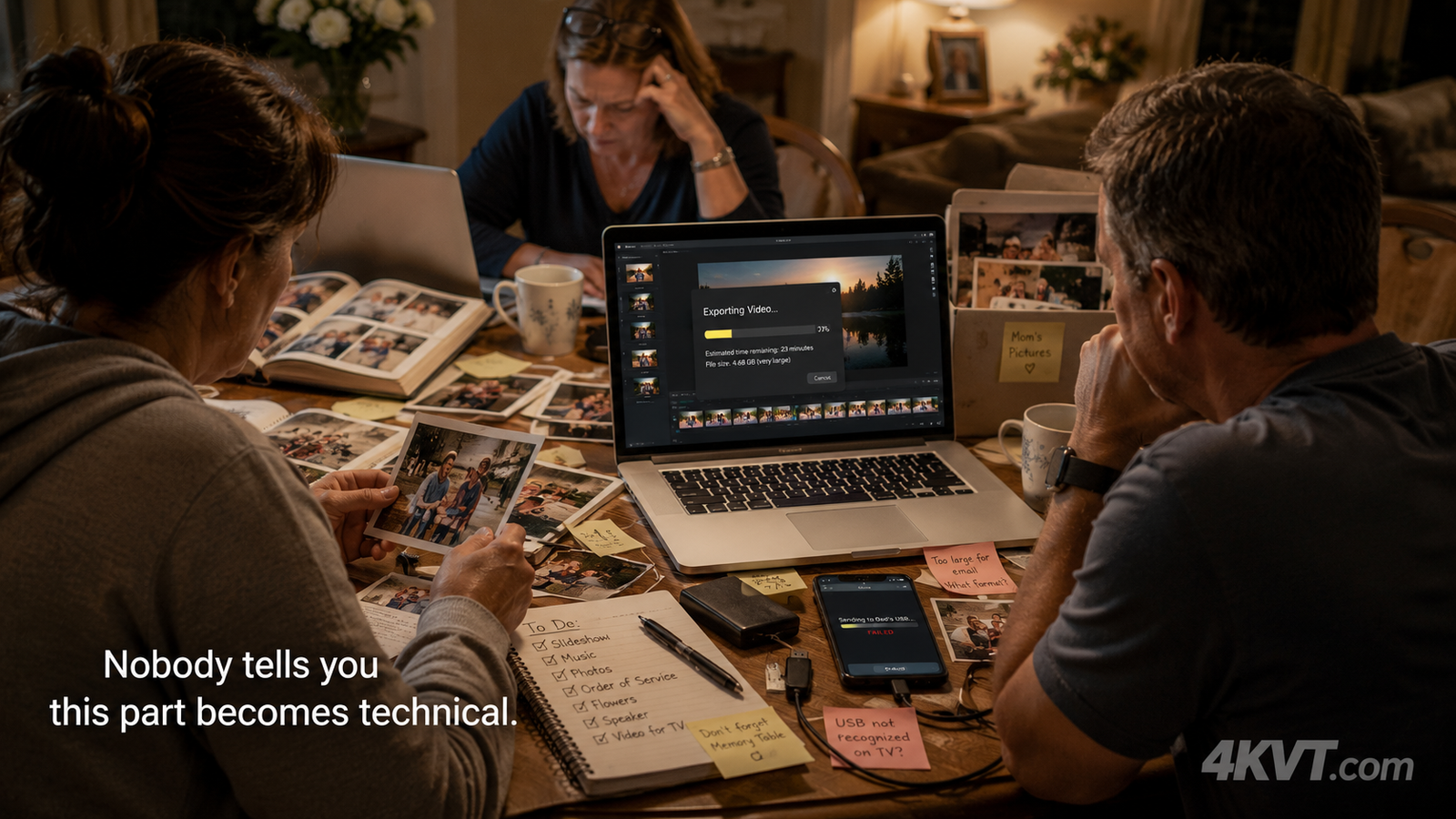
Most families assume the tribute video problem happens at the venue when it won't play. The reality is it was already damaged during the building process — while rushing through exports, combining mismatched formats, re-sending files between phones and computers, and using whatever free tools were available. Nobody tells you this part becomes technical.
The family is focused entirely on the emotional content — the photos, the music, the memories — while quietly and accidentally creating:
By the time the file reaches the venue TV or the funeral home display, the technical damage is already done. The family discovers it at the worst possible moment.
We take the file as it is — whatever format, whatever size, whatever condition the assembly process left it in — and reformat it into a clean, compatible, presentation-ready version. Quietly. In the background. Before the service.
How 4KVT Helps During Memorial Preparation
The technical problems created during tribute video assembly are almost always invisible until the file fails at the venue. 4KVT corrects them before that moment — without changing a single frame of the memorial content you put together. You also always retain the original video during our upload process. We just send back the improved versions of it with a complete improvement report.
H.264 MP4 Conversion
Converts to the most universally compatible video codec — plays on virtually every TV, laptop, phone, and projector without errors or unsupported format messages.
File Size Reduction
Shrinks oversized slideshow exports and phone videos by 60–80% so they email easily, upload quickly, and share without attachment size limits.
AAC Audio Standardization
Converts the audio track so it plays reliably on all TVs and display systems — including church and funeral home AV equipment — with no silent playback.
USB Playback Compatibility
Formats the file specifically for USB drive playback on smart TVs and venue systems — one of the most common and preventable failure points for tribute videos.
Slideshow Export Cleanup
Fixes encoding problems from Animoto, Canva, iMovie, ProShow, and other slideshow tools that create files too large or incompatible for venue display systems.
Phone Video Standardization
Converts HEVC / H.265 iPhone and Android videos — and vertical format files — into standard H.264 MP4 that works on all playback systems without error.
Easy · Simple · Fast · Worry Free · Straightforward low cost pricing shown before checkout
And If Something Isn't Working…
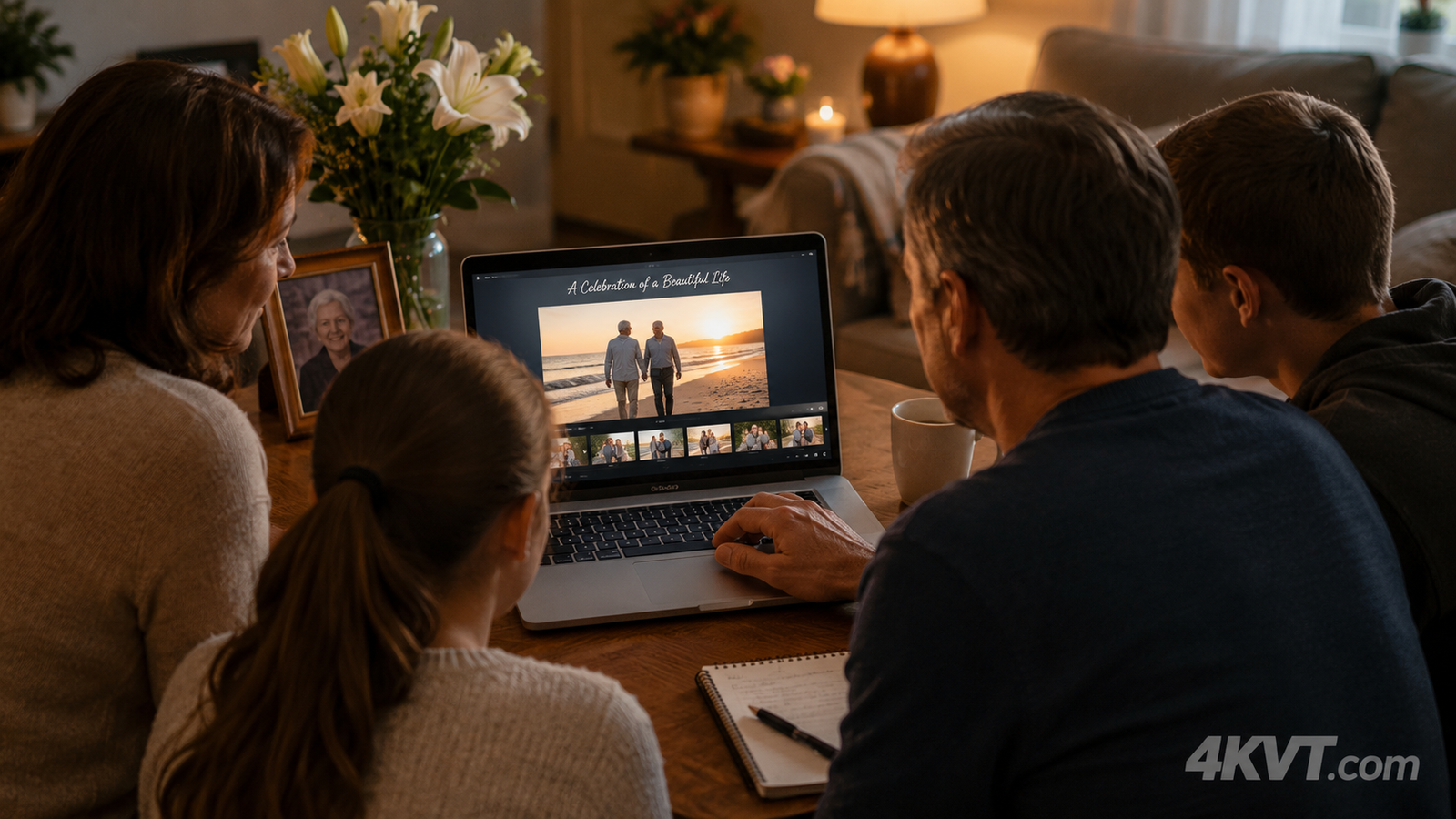
We can often help when a tribute video, slideshow export, or memorial file does not behave the way you expected.
Simple Three-Step Process
No technical knowledge required at any step. 4KVT can often complete this work within minutes to hours depending on file size — so there is no long wait during an already stressful time.
Upload Your Video
Click the green button on this page. A job is created automatically — no technical selections required. Then choose and upload your video file. We accept all common formats up to 2 GB.
We Reformat & Optimize
Our system converts your file to H.264 MP4 with AAC audio, reduces file size, and verifies compatibility across TV, USB, projector, and sharing platforms. You created something meaningful — we help make sure it is ready to present properly.
Receive Your Ready Files
You receive a private job page link by email containing your reformatted video, a full before-and-after technical report, and clear instructions for every playback scenario. Download and save the files promptly.
Straightforward Low Cost Pricing
Pricing is based on file size and complexity. It is shown clearly before you proceed to payment — no surprises, no subscriptions, no hidden fees, no need to learn another video tool during an already stressful time.
Most standard memorial video preparation jobs are very affordable with peace of mind included. You will be gently guided all the way through the video to select for uploading to our simple checkout process. Your video will automatically upload after checkout followed soon after by a completion notice email with link where you will find your video to download and full report of all improvements made. It is that simple.
When the Presentation Matters, It Helps to Know It's Ready
You created something meaningful. 4KVT helps make sure it is ready to present properly when the time comes — easier to play, easier to share, and free of the technical problems that interrupt memorial presentations.
It all starts with you uploading your video and leaving the rest to us.
Start Preparing My Tribute Video →
Easy · Simple · Fast · Worry Free · Straightforward low cost pricing · Private & secure
Use our service on your Tribute Video and all your other videos you want made better and improved the same way.
Are you a funeral home looking to offer this service to the families you serve?
Learn about the 4KVT Funeral Home Partner Program →